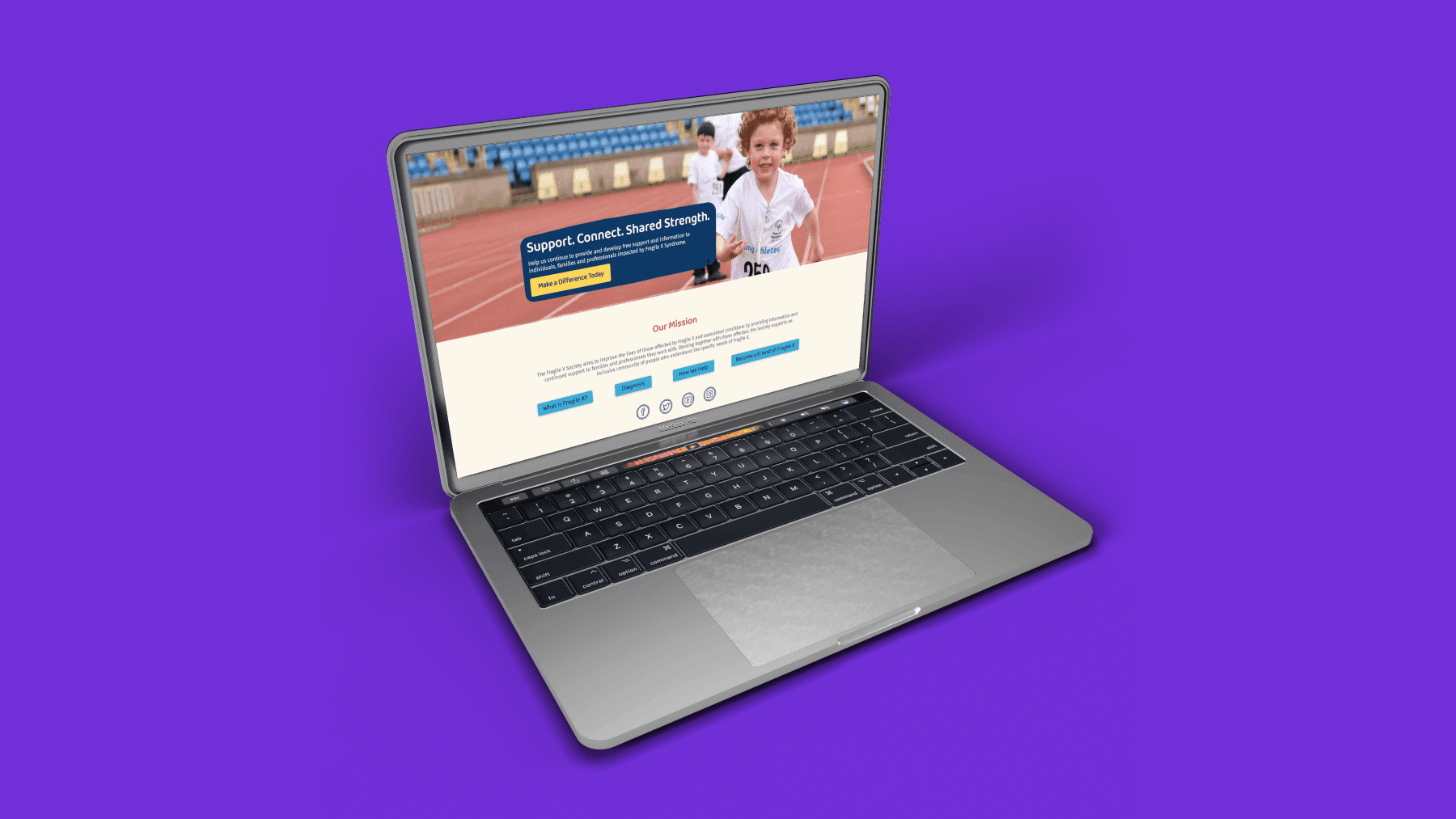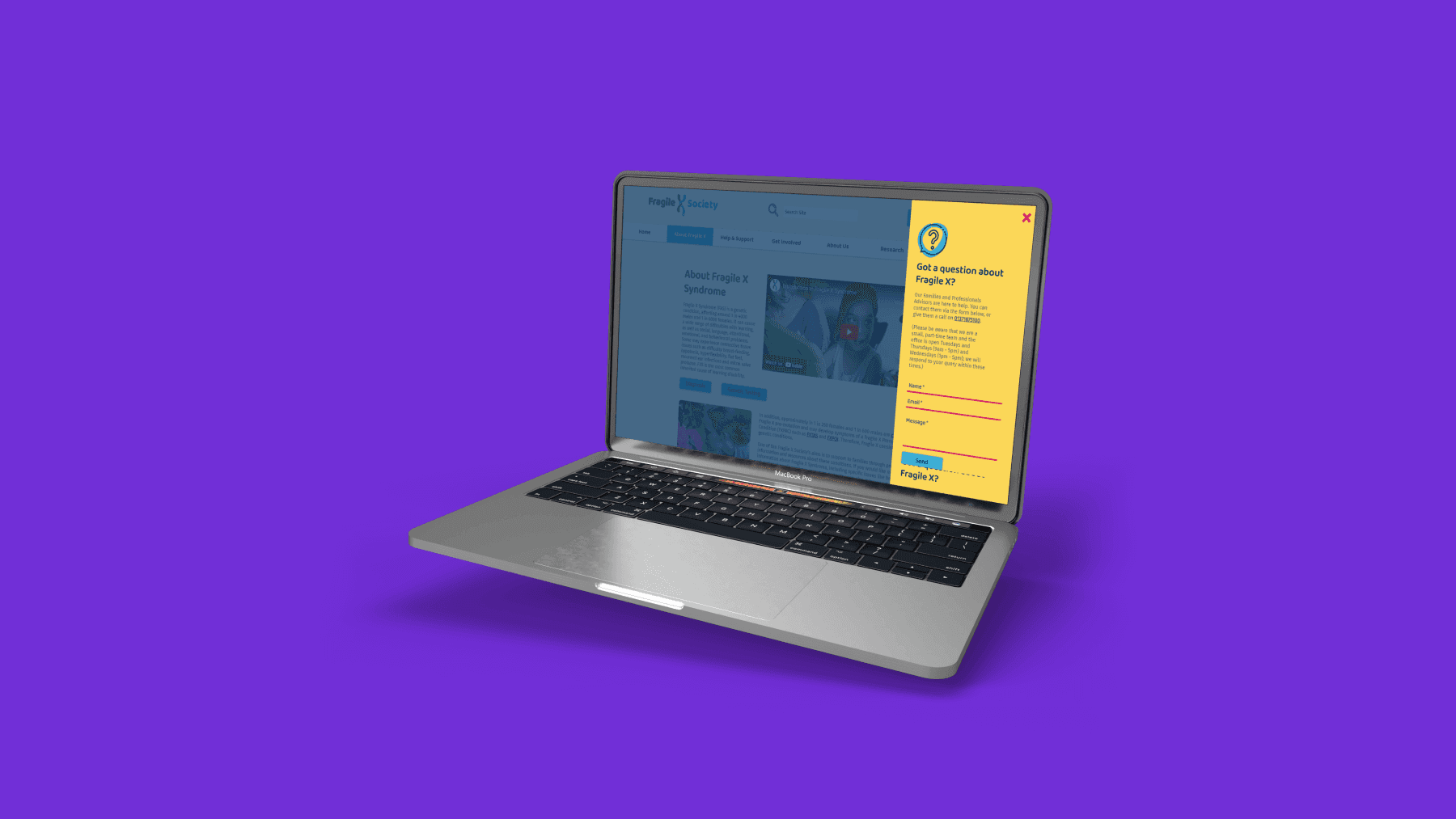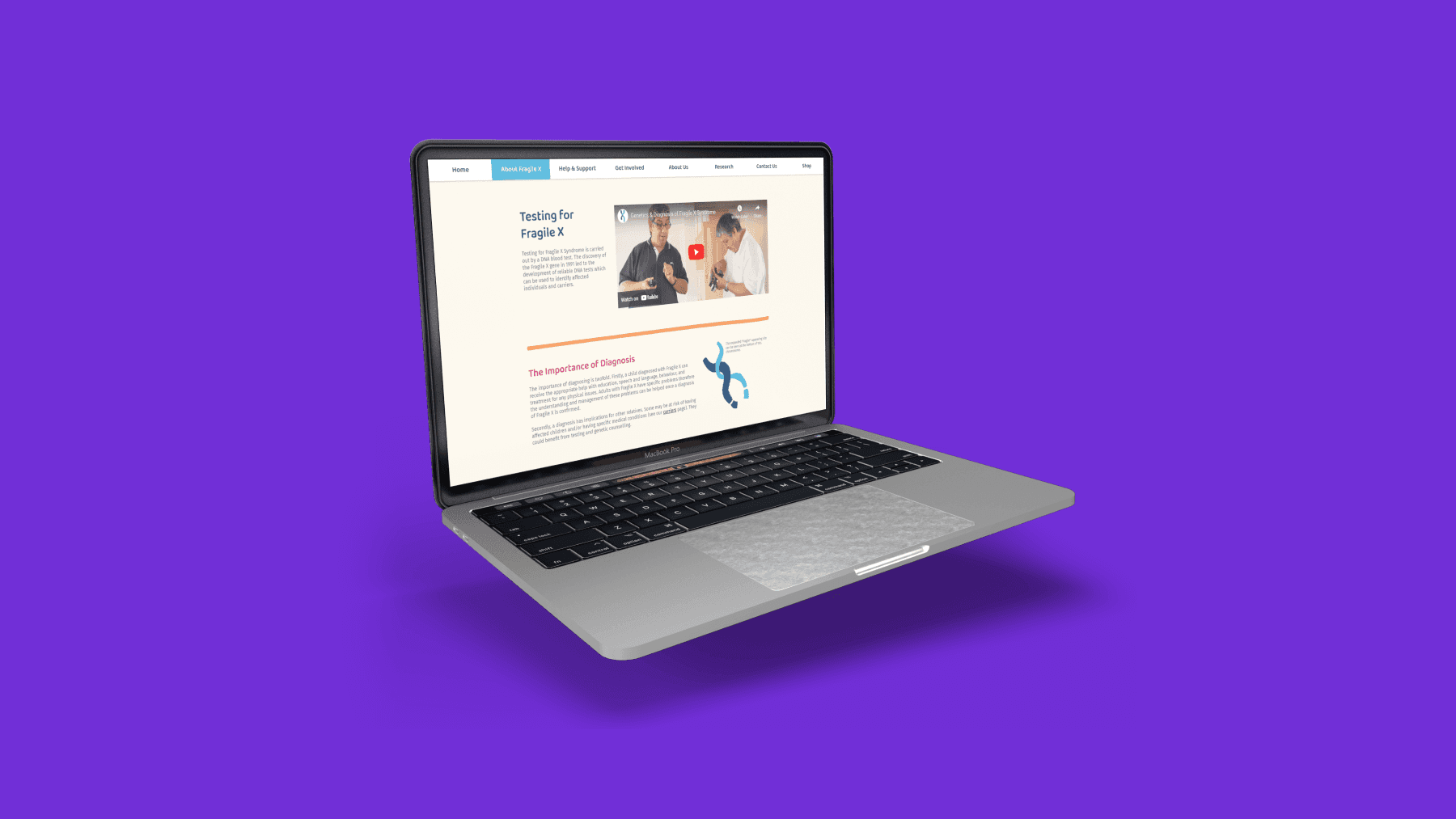
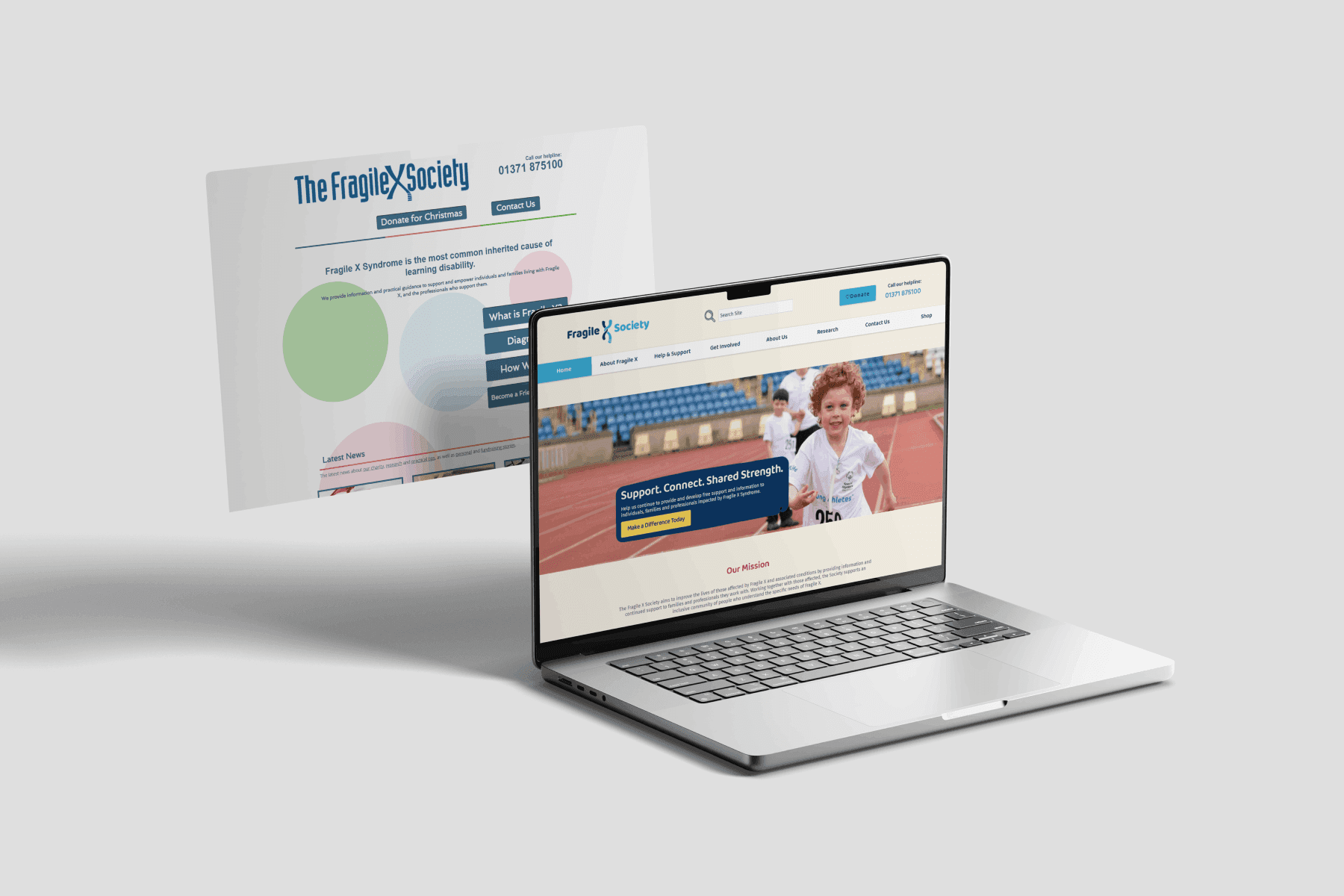
A multi-discipline project with 4 main deliverables; update brand identity, website refresh, digital marketing plan and digital strategies for hard to reach groups. My role was focused, but not limited to the website design and refresh; this included improving the user experience, search engine optimisation (SEO) and training the Fragile X Society (FXS) team.
Team structure
1x project lead, 2x graphic designers, 1x senior digital designer, 1x digital designer (me)
Research method
Moodboard, user persona, user journey, google analytics
Discipline
UX design, UI design, visual design, SEO, web development, training
Platform
Website, mobile, desktop, tablet
Duration
8 months


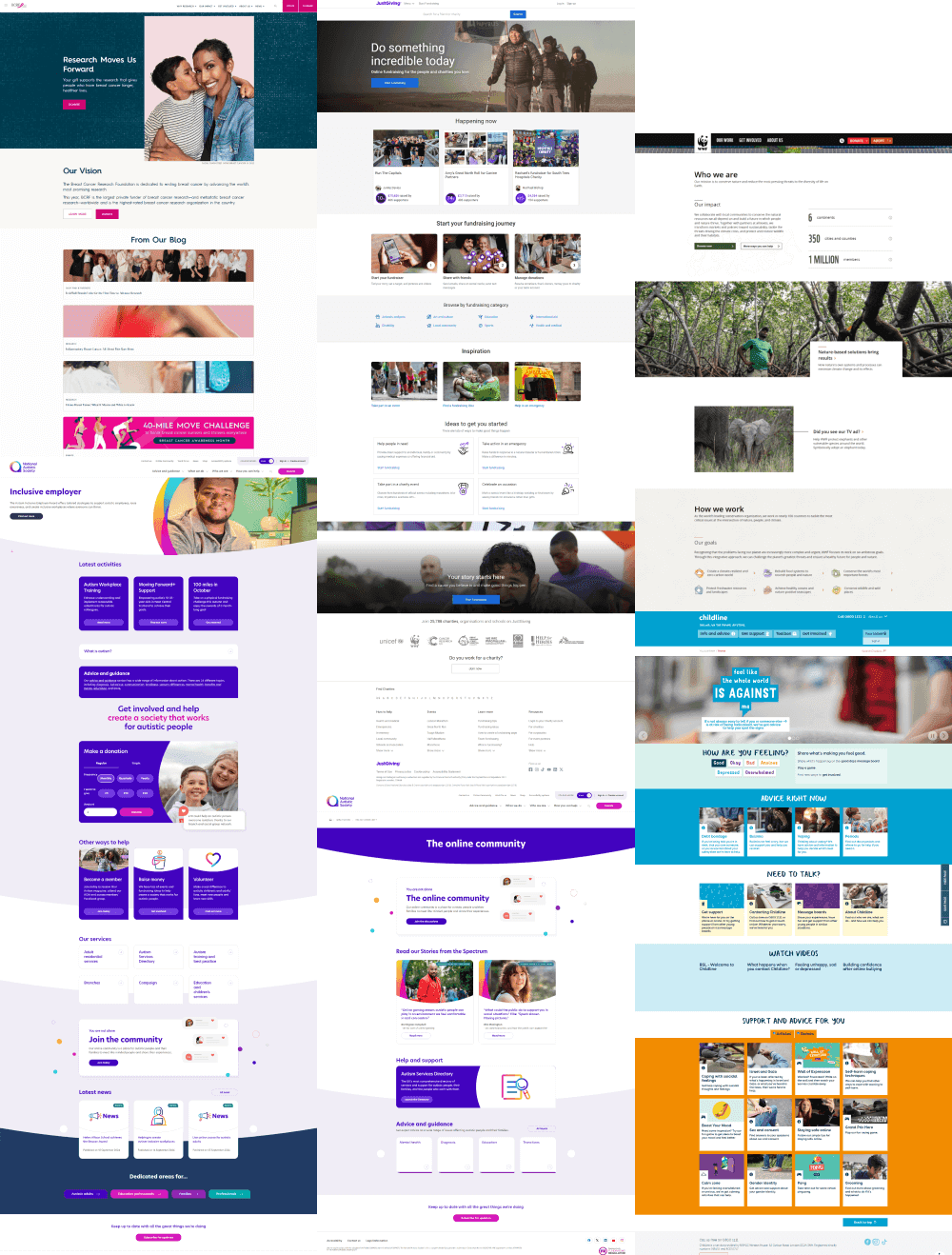
Moodboard key takeaways
Tone of voice
Knowledgeable, novel & direct
Passionate, enthusiastic & authentic
Supportive, warm & relatable
Approachable, relaxed & personal
Design patterns
Strong encouragement to become part of the community
Inform the users who the charity is, what they do, build trust with the reader
Clear and concise information, this is perceived as more trusting source
Positive imagery, empowering people with and those affected by Fragile X
Donation option always present but subtly presented
Personal stories increase brand relatability
Strong sense of community and interactivity with the charity
Streamline users finding useful content, FXS team want the website to be somewhere users can find information on Fragile X
Website business objectives
1
Improve donation rates, so FXS team can continue their amazing work
2
Encourage further website use and internal navigation, analytics reported users left the website quickly
3
Encourage cross-platform navigation to FXS social media accounts
4
Encourage active involvement in FXS through activities and social events
Design
Wireframes
LowFi wireframes were developed adjacent to content development.
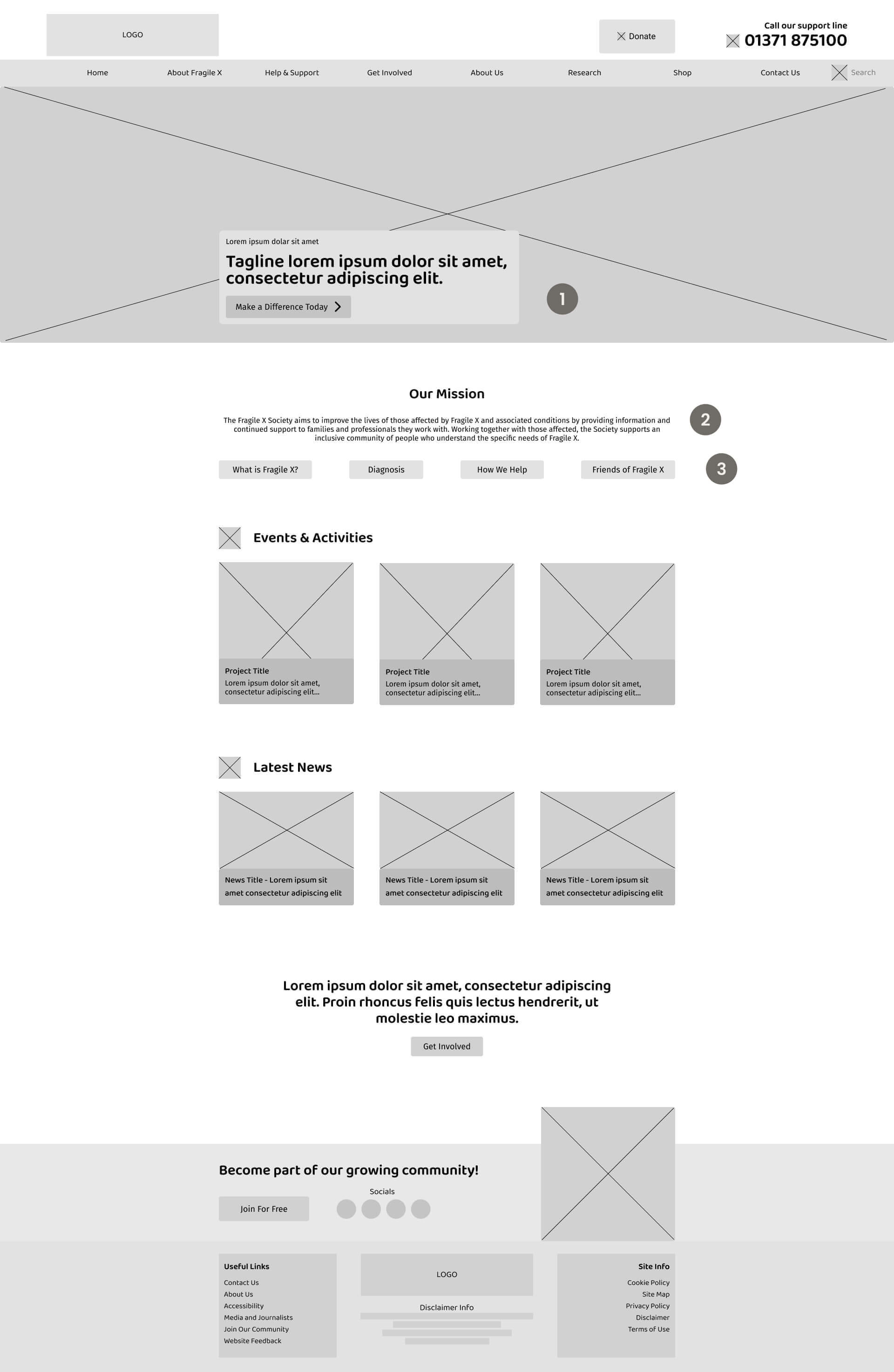
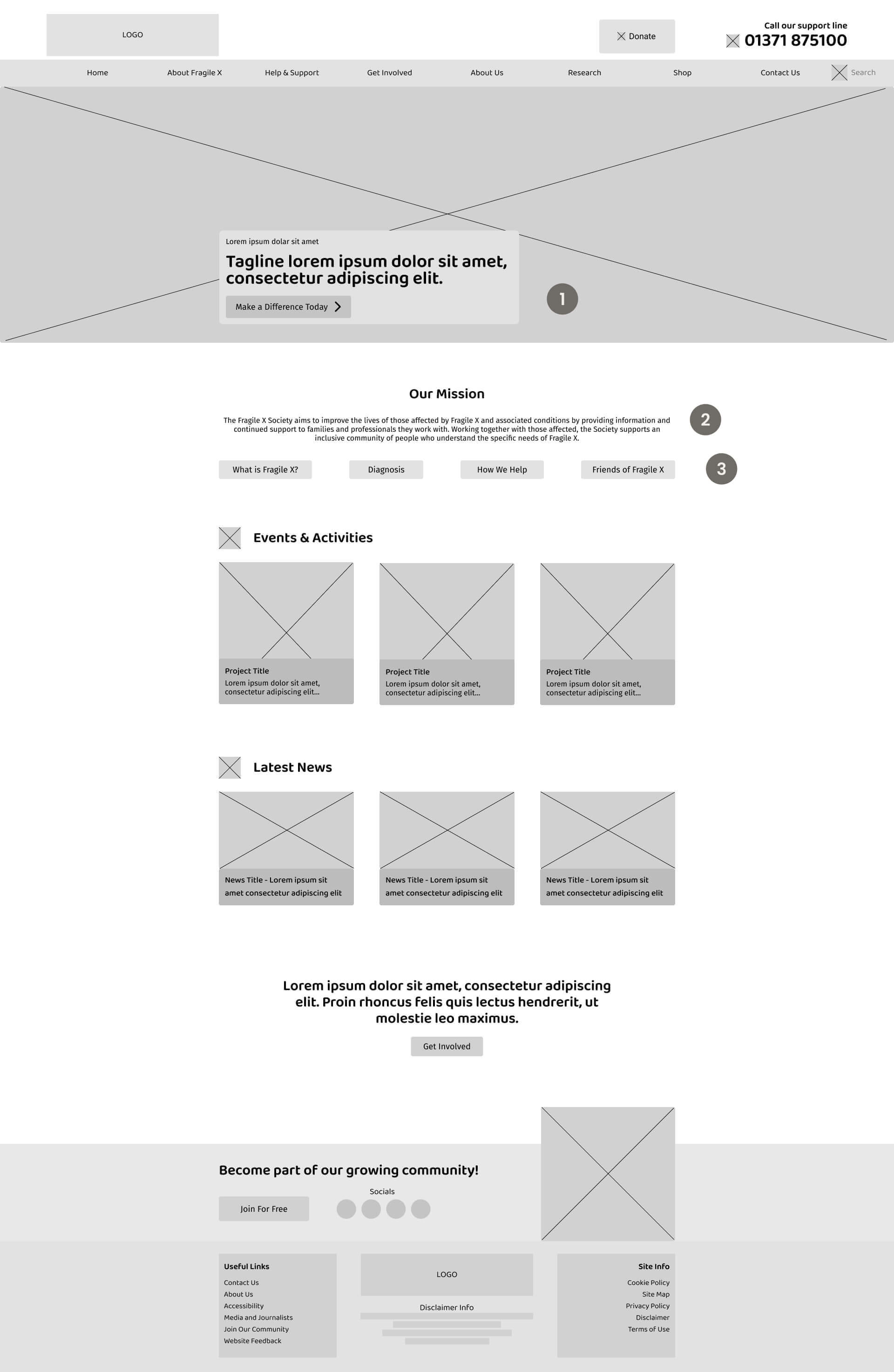
1
Hero section
Charity tagline and a space to encourage engagement or conversion
2
Mission statement
Inform users who the charity is, who they are aiming to help. Aids users to feel they have come to the correct website
3
Navigation buttons
Quick navigation buttons that direct users to popular FXS pages outlined in analytics review
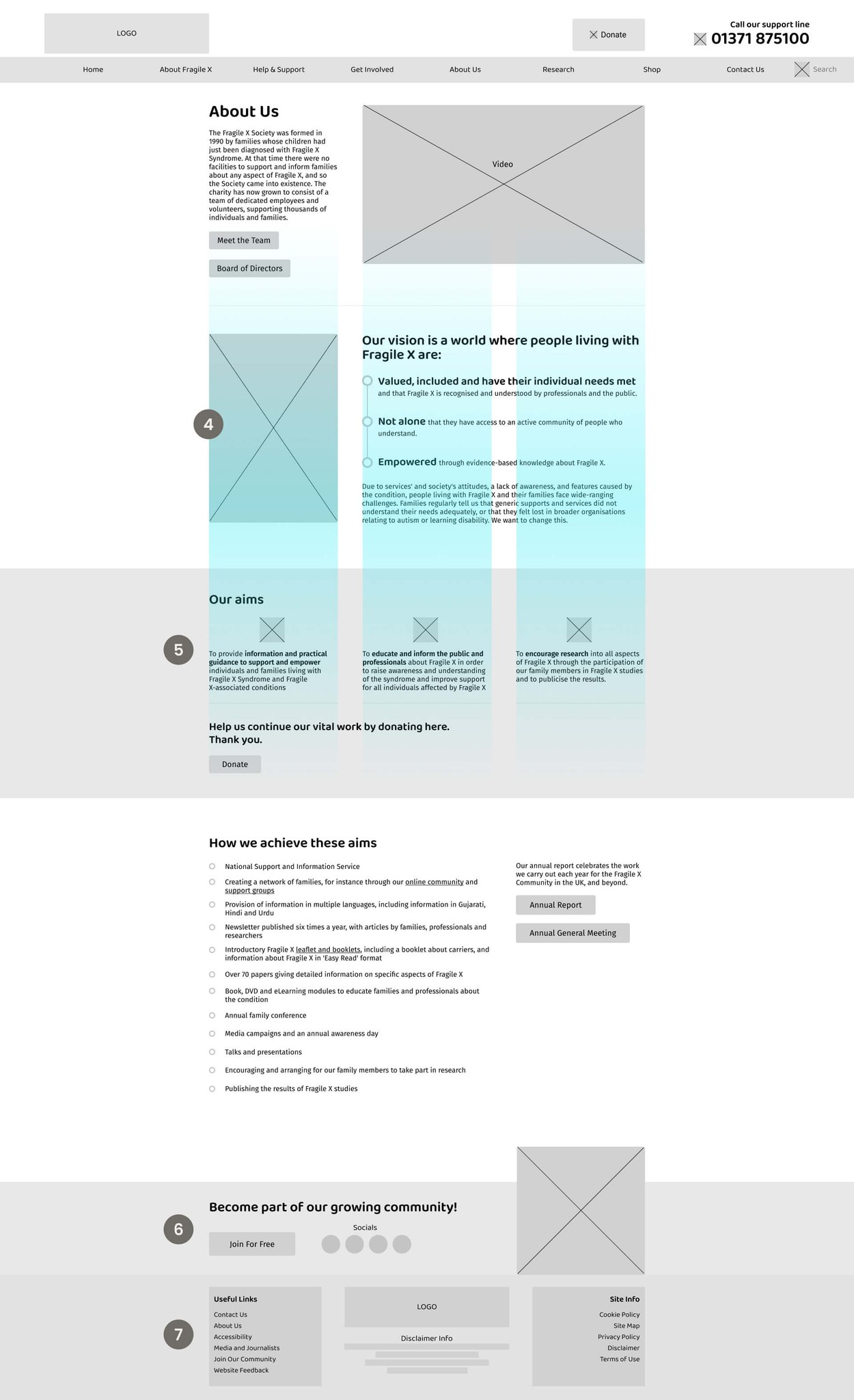
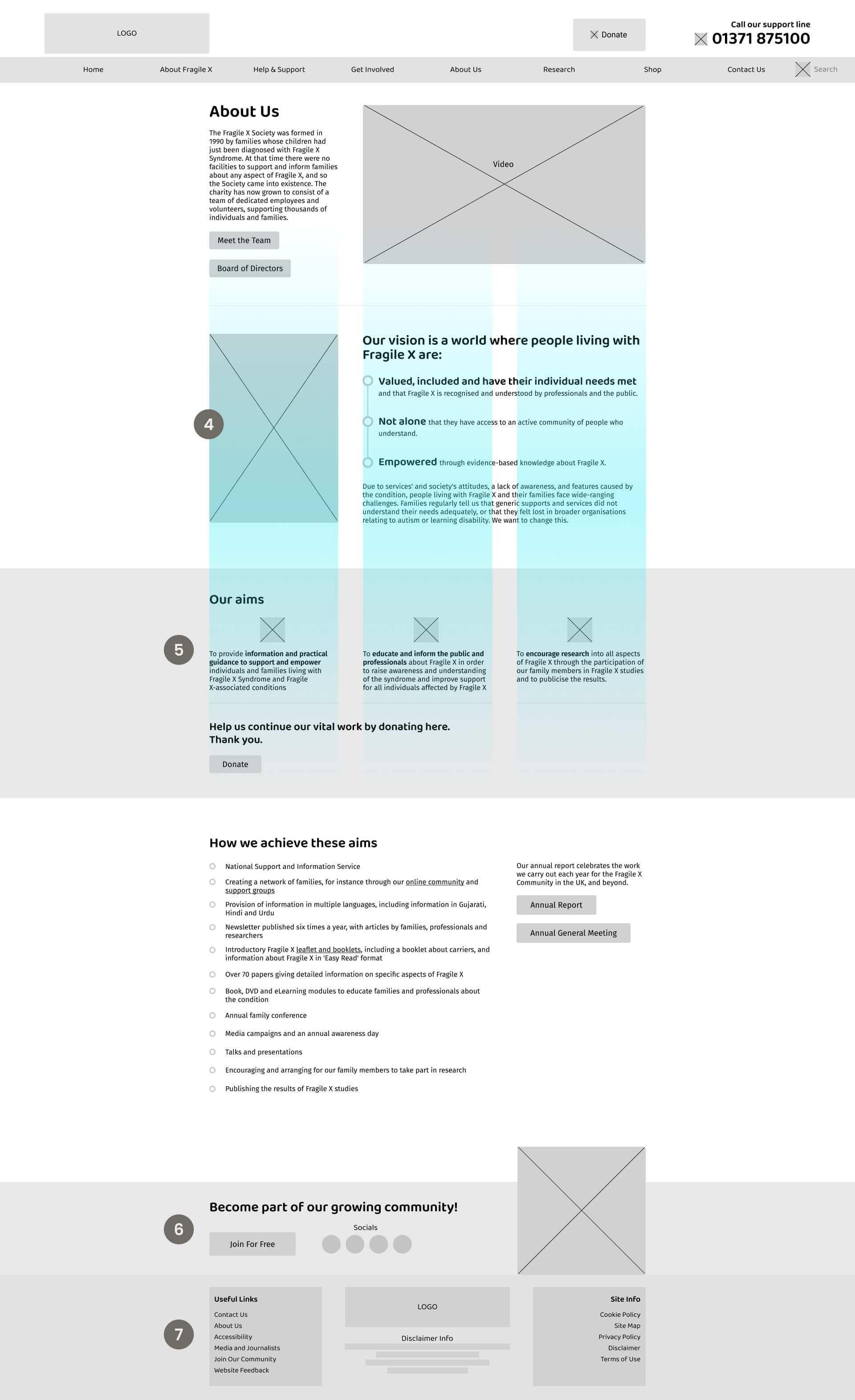
4
Column structure
Implemented a 3 column system which supports a range of content blocks and designs
Helps organise content for responsive design across different screen sizes
Improves readability to scan and read
Provides consistency whilst accommodating creative freedom to balance and vary content blocks
5
Icons
Implementation of visually appealing icons, breaks up text blocks and helps users understand content faster
6
Community section
Encourages community involvement. Social media section to drive traffic to other platforms
7
Footer section
Navigation links encourage internal website exploration
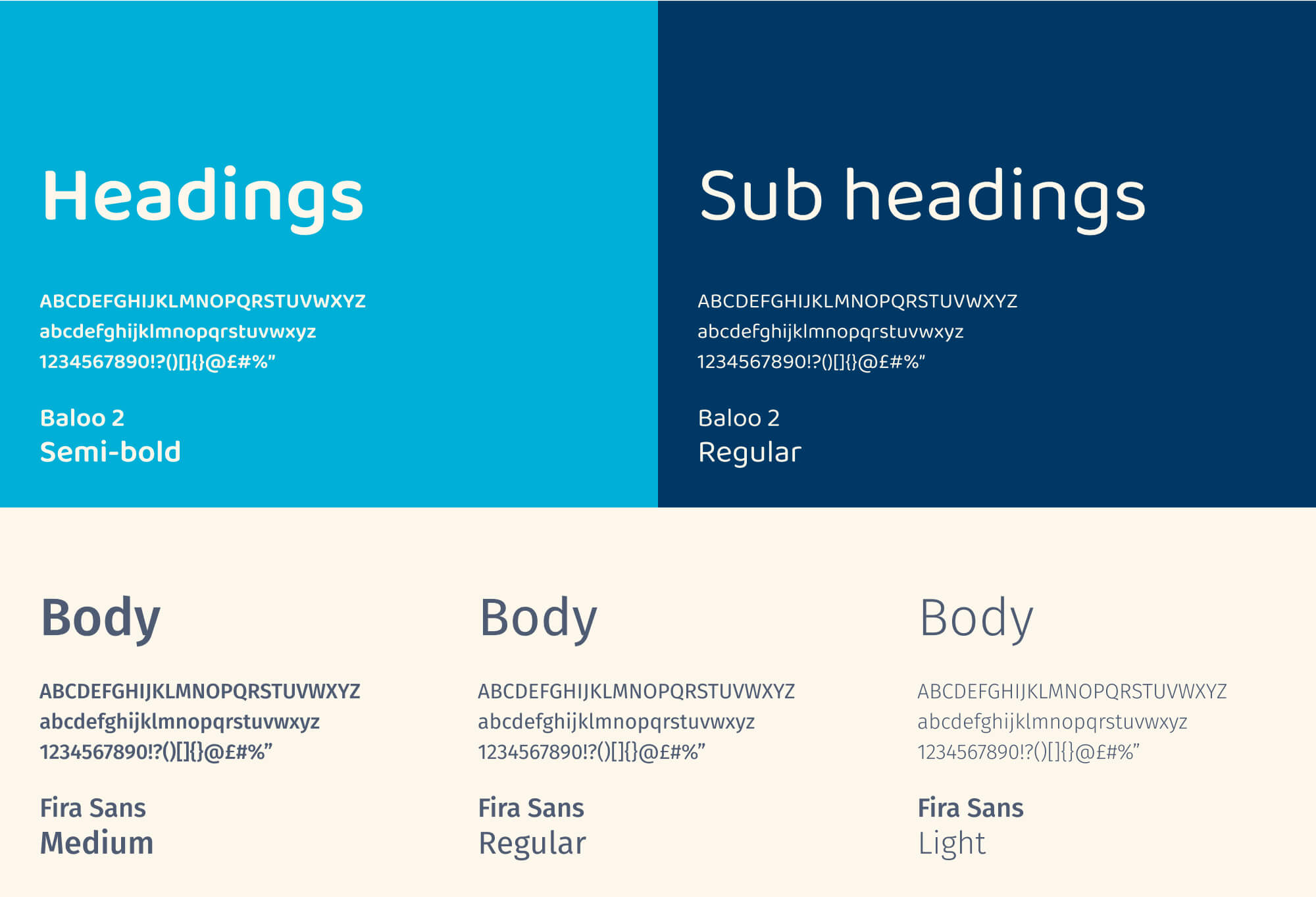
Cerulean
#00AFD7
Indigo
#003865
Off-white
#FCF7EB
Green
#42B2A3
Salmon
#E2787E
Pastel-orange
#F7C7A3
Pastel-green
#CBDFC9
Graphite
#4E5B73